 Work in Progress
Mail Clients
- Thunderbird

 Best email client
- Will automatically detect Mail/Contacts/Calendars settings with just email address/password
- If some folders don’t appear or update, make sure to right click the account and Subscribe to folders.
- Supports OpenPGP, very easily as well as it does a lot of the work for you.
- Took some getting used to on enabling a few features, such as Unified Folders.
- Is my goto email now as it’s very clean, fast and has all the features I need. Coming from a Mac the app looks and feels as clean.
- There is an iOS version in the works.
- Been around forever, I used in the 90’s. Written in C++, it’s fast.
- Doesn’t support BIMI yet.
- Mutt
- For when I’ve had enough of GUI.
- There really isn’t other good options. They either charge too much, don’t have a Linux version or features missing that Thunderbird has. And no, don’t need any AI in them, spellcheck does enough damage.
Development
- Visual Studio
- It’s free, works well with Rust, Java, Web Development (Sveltekit), Python and Brightscript. I like the workspaces. As much as I’m anti Microsoft, I will use this until they mess it up for an all in 1.
- Jetbrains
- RustRover
Text Editors
- Sublime
Install Linux Package Manager Repositories
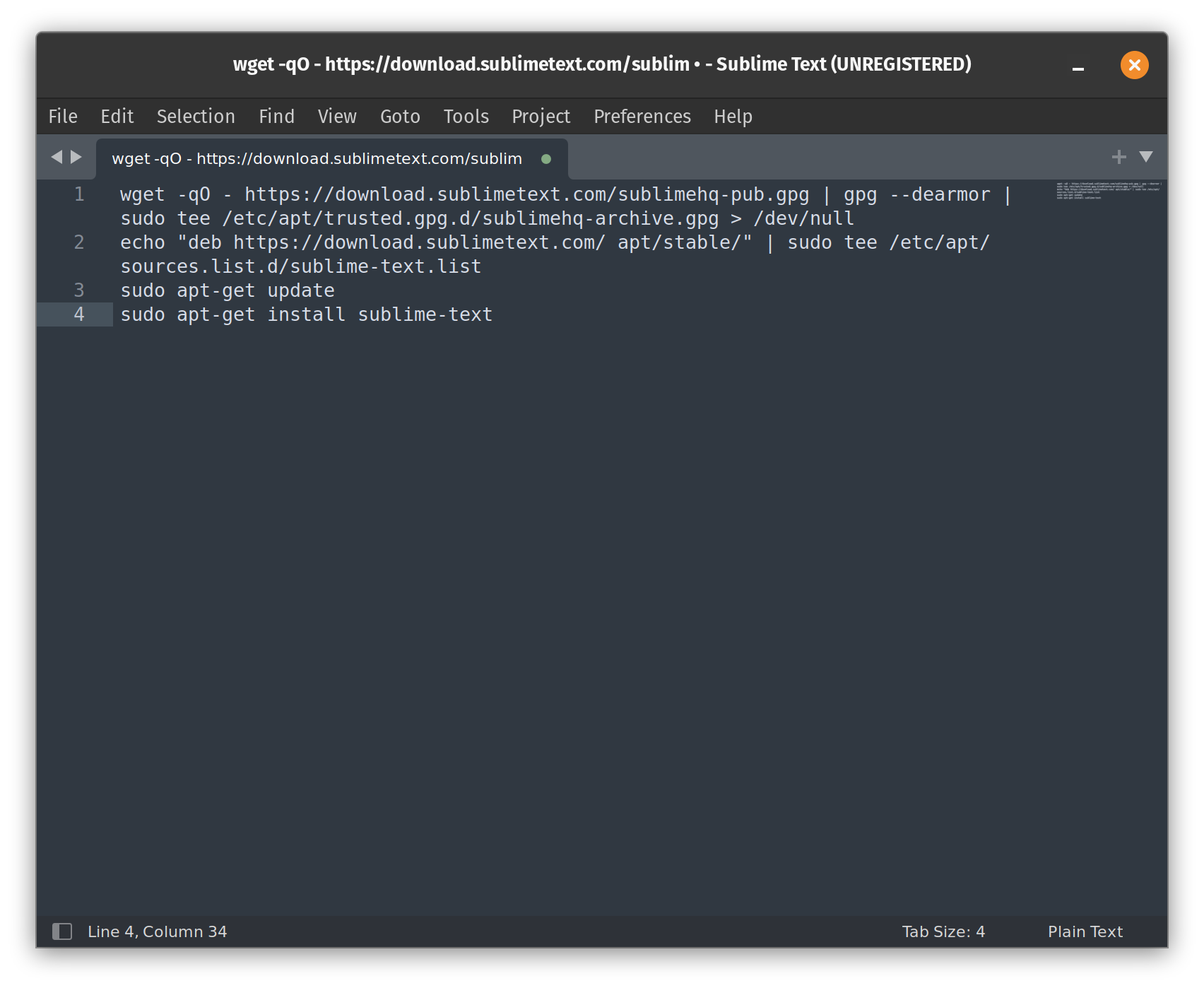
Install with CLI for updates. Pop!_Shop has old version.
wget -qO - https://download.sublimetext.com/sublimehq-pub.gpg | gpg --dearmor | sudo tee /etc/apt/trusted.gpg.d/sublimehq-archive.gpg > /dev/nullecho "deb https://download.sublimetext.com/ apt/stable/" | sudo tee /etc/apt/sources.list.d/sublime-text.listsudo apt-get updatesudo apt-get install sublime-text
API Development
- Hoppscotch
- Can self host the web version and collboration from there.
- Bruno
- Offline only, just how I like it.
 Tesla uses Insomnia but collaboration is cloud based.
Browsers
- Helium Browser
- This is my goto, until they start to mess it up adding a ton of features I don’t want.
- Brave
- Mozilla Firefox
- Microsoft Edge ** Nope, don’t do it **
Key Vaults
- Bitwarden Self Hosted
Organizations can be confusing and creating sub folders called Collections is difficult. Only way to share with other users is with an Organization. Uses MSSQL as the database which uses more resources. Uses Docker as a complete solution with Let’s Encrypt. - Passbolt Self Hosted
Uses MariaDB for database, low resources, can add multiple accounts in community edition and share with groups/folders. Doesn’t have a plugin for Safari, but Brave is becoming my default browser more and more. Safari has proven to be a resource hog. Uses Docker, best to put NGINX as a Reverse Proxy.
FTP Clients
Graphic Editing/Tools
Emoji
Streaming
Video/Chat Conferencing
- Mattermost
- Works great. I wish Element was more reasonable on pricing with Matrix, but they are way too expensive for the little guy.
- Matrix
- SimpleX
Office Apps
- Synology Office Self Hosted
Uses Synology hardware: Mobile and Desktop web based only. - ONLYOFFICE
- LibreOffice
Photos
- Synology Photos Self Hosted
Uses Synology hardware: Mobile apps, Desktop is web based only.
Drive
- Synology Drive Self Hosted
Uses Synology hardware: Mobile apps, Desktop app sync and web based. - Seafile Haven’t had time to really mess with it. Synology is convenient, does a good job. Synology needs an ARM64 version is all thats missing.
- OxiCloud
Music Players
Music Production
Music Tools
Metadata Editors/Organizers
Music Library
CD Ripping
Processing/Conversion
Video Editing
Terminal Tools
- Oh My Zsh!
- iterm2
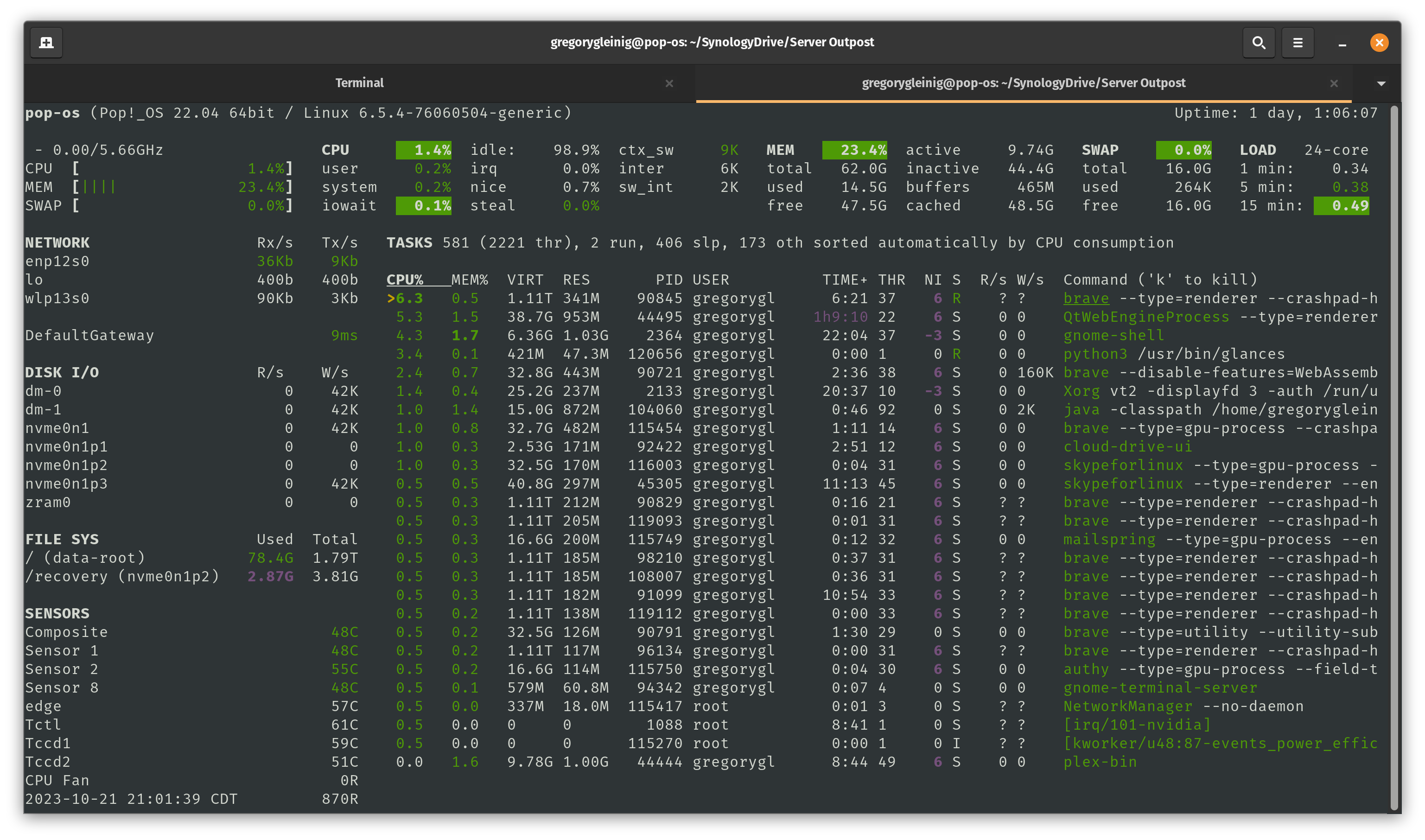
- glances
sudo apt install glances
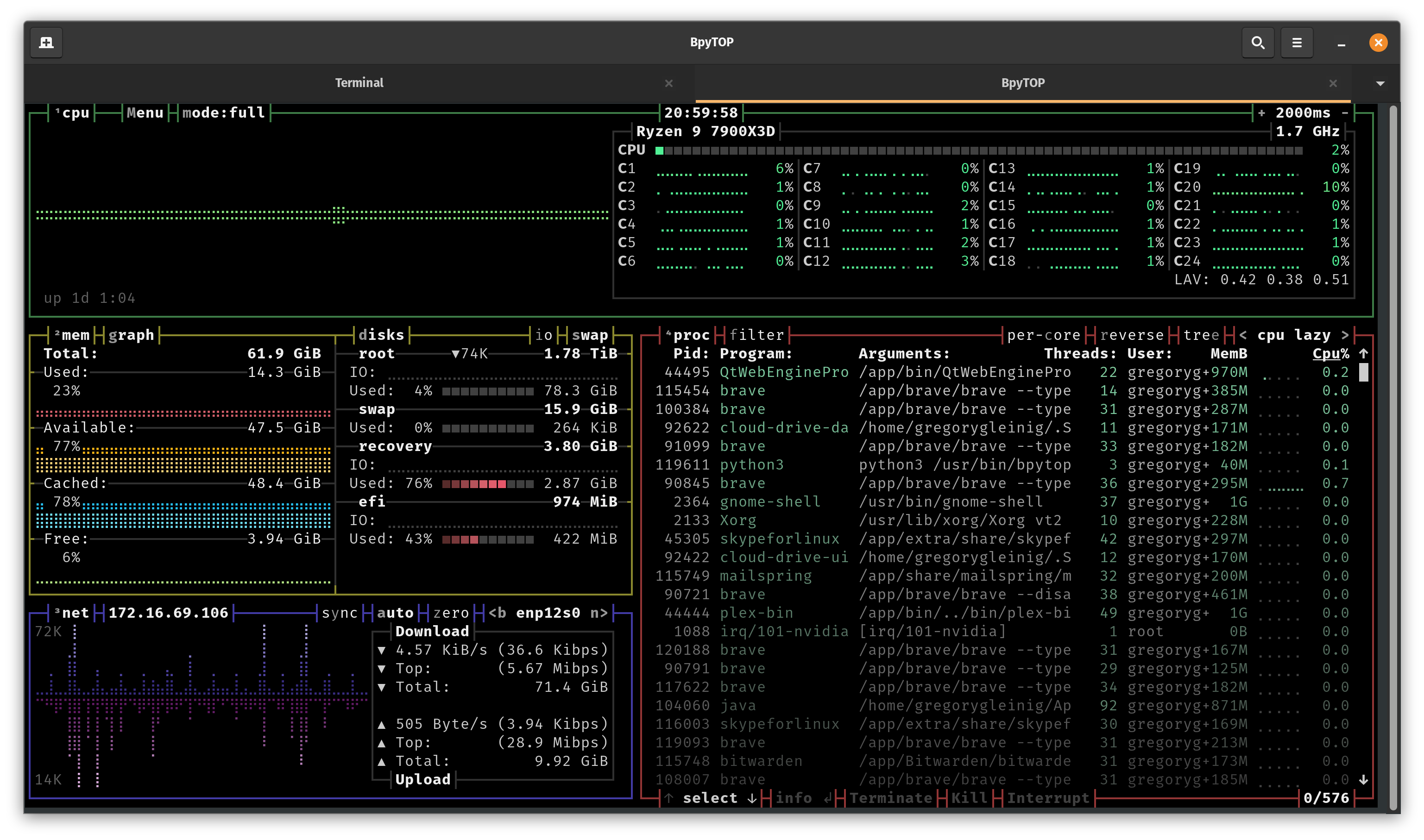
- bpytop
sudo apt install bpytop
Terminal Apps
- MacOS Terminal
- Alacritty
- Written in Rust, MacOS/Linux/Win, uses GPU acceleration, minimalistic
- Nord Theme
- Launch Alacritty:
- You can now run Alacritty from the Terminal with:
alacritty - Alternatively, since Alacritty installs as an application, you can find it in Launchpad or through Spotlight search and open it like any other application on macOS.
- First Run Notes:
Security Warning: You might see a security warning because Alacritty is not signed by Apple.
To proceed:- Go to System Preferences > Security & Privacy.
- You should see a message about Alacritty being blocked. Click “Open Anyway” or “Allow” to bypass this security feature for Alacritty.
Configuration: Alacritty doesn’t create a config file by default, but it looks for one in ~/.config/alacritty/alacritty.toml. You can create this file to customize Alacritty’s behavior, colors, fonts, etc.
- You can now run Alacritty from the Terminal with:
- kitty
- Written in Python, MacOS/Linux/Win, uses GPU acceleration
- Nord Theme
Command Line Theming
- Powerlevel10k
- Mac
-
Install fonts
MesloLGS_NF.zip (5.6 MB) -
Brew.sh dependency
-
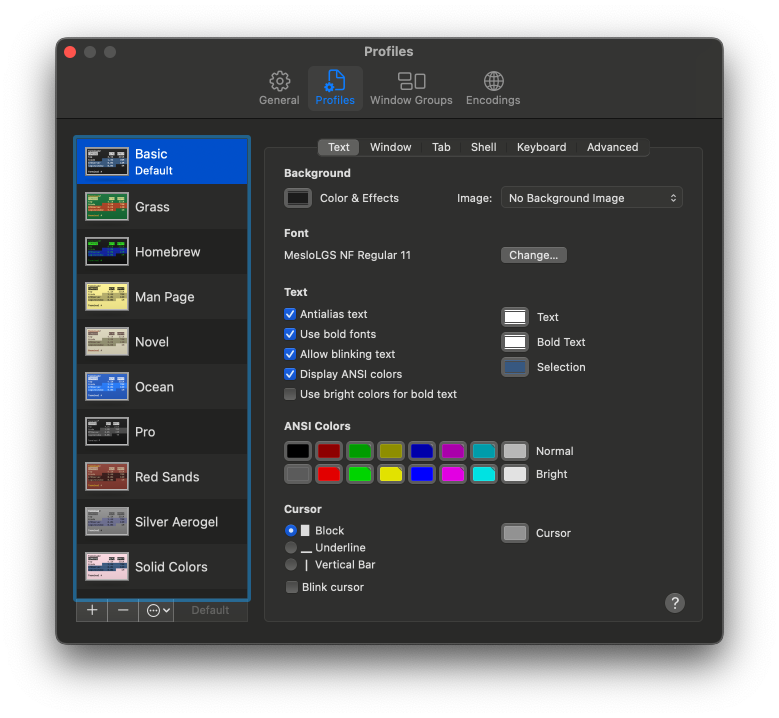
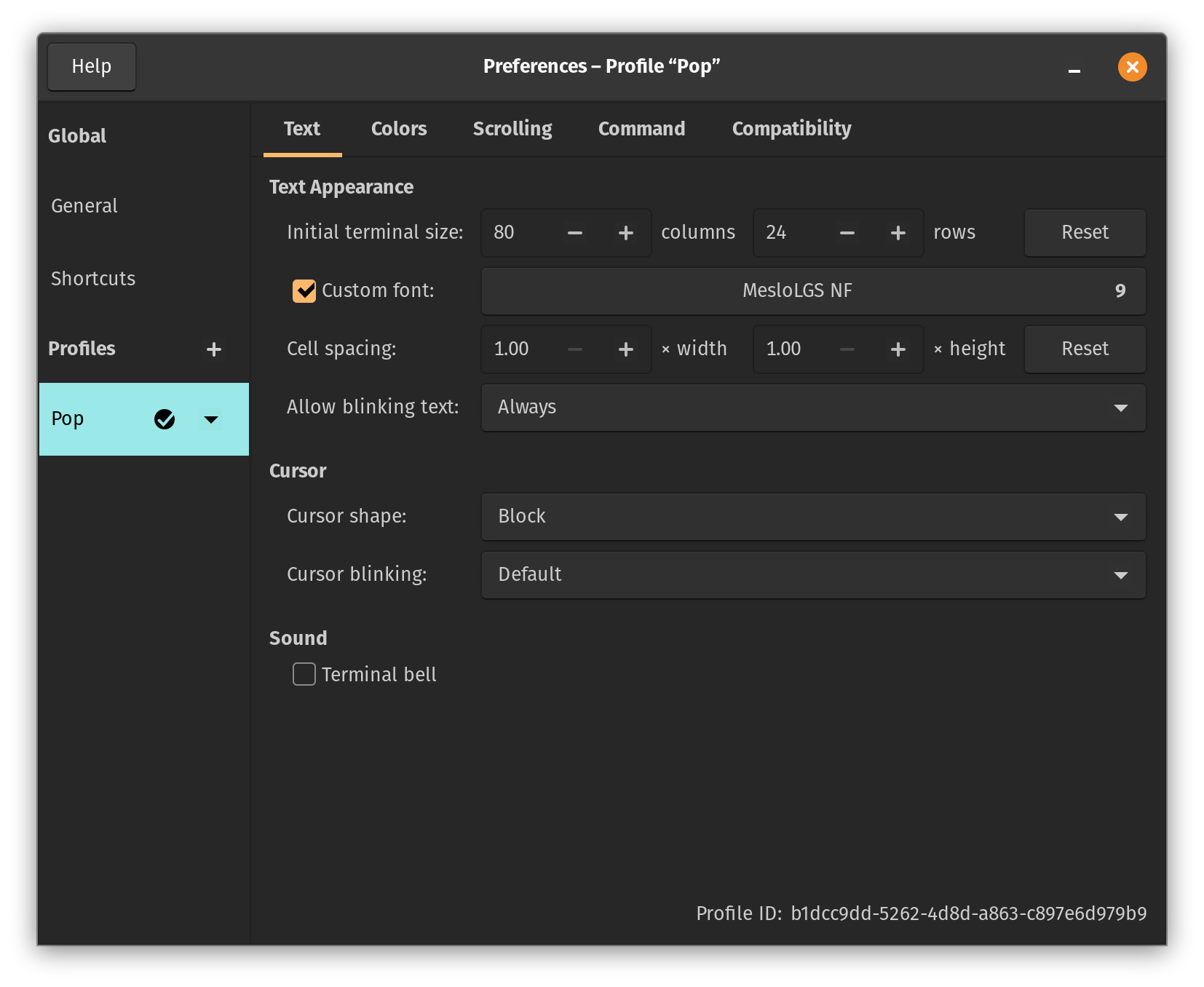
brew install Powerlevel10k- Change font in Terminal->Profiles->Font to MesloLGS NF Regular 11

-
- Linux
-
Install fonts
MesloLGS_NF.zip (5.6 MB) -
Install Oh My Zsh!
sh -c "$(curl -fsSL https://raw.githubusercontent.com/ohmyzsh/ohmyzsh/master/tools/install.sh)"
-
Install Powerlevel10k
git clone --depth=1 https://github.com/romkatv/powerlevel10k.git ${ZSH_CUSTOM:-$HOME/.oh-my-zsh/custom}/themes/powerlevel10k- Start a new Terminal session and the configuration will begin
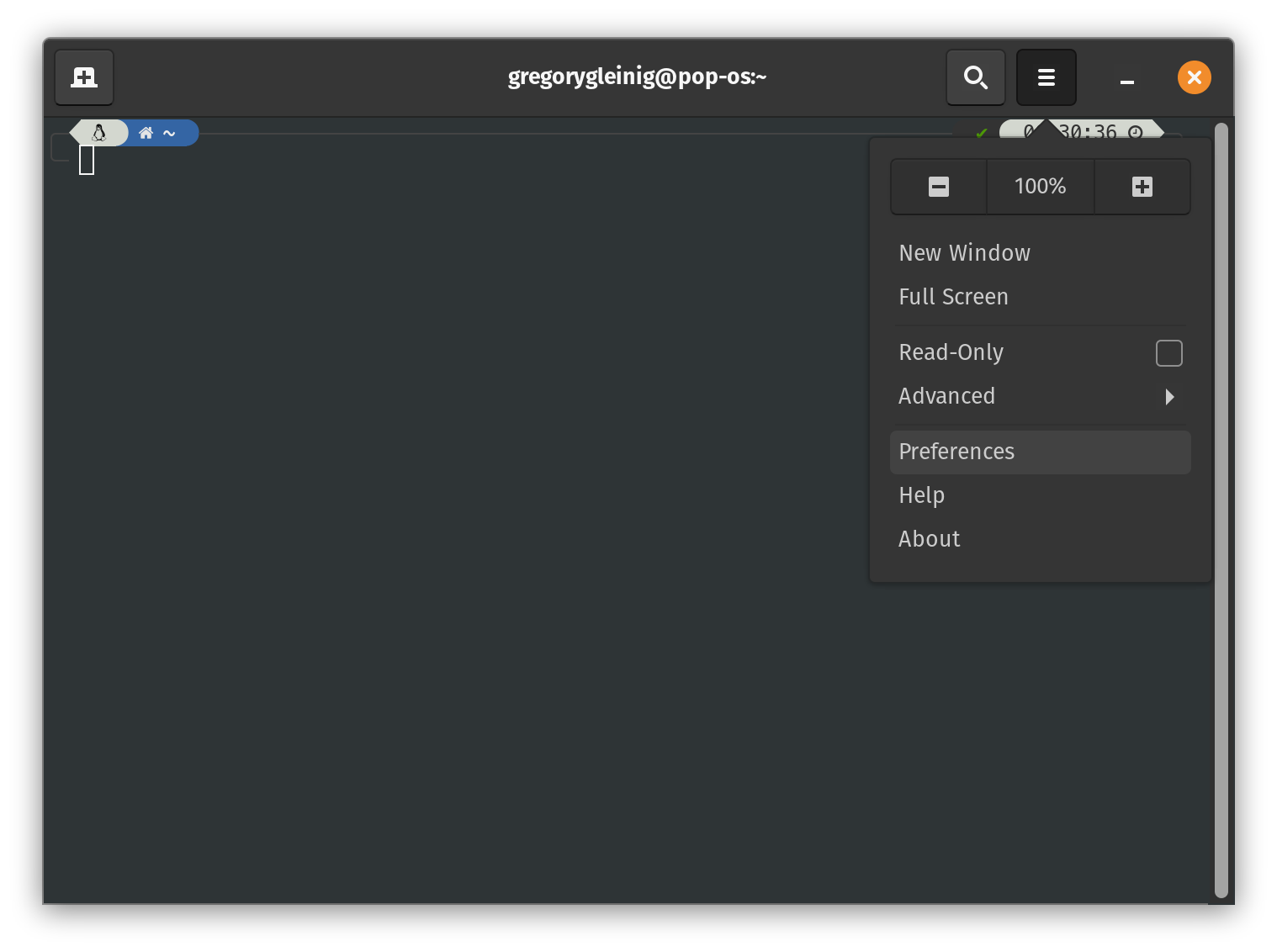
- Change font in Terminal->Settings
-
- Mac
Screen Recorders
- GPU Screen Recorder
PoP!_OS has a built in one with pressing Print Scrn, but after 1 recording it stops working. Screenshots are fine though. Might be due to multiple monitors, but since Cosmic-DE is in upcoming hopefully thats fixed.
Remote Screen/Desktop
-
Rustdesk
Self hosted, free and very fast. Can connect to Windows, Mac, Linux, iOS, Android -
Remmina
Use this rarely as I’ve moved everything to Rustdesk Server. -
Vinagre
On Pop!_Shop, very simple but doesn’t dynamic scale.
Themes
Desktop Tools
Network Tools
Benchmarks
- Gravity Mark
- Cinebench
- KDiskMark In Pop!_Shop